OCR Technology Explained
OCR Technology Explained
Optical Character Recognition, or OCR, is one of those technologies that quietly powers a lot of modern office efficiency without most people ever thinking about how it works. If you've ever searched for a word inside a scanned PDF, you've relied on OCR — and understanding what it does well, and where it struggles, helps you get more value from your document workflow.
What OCR Actually Does
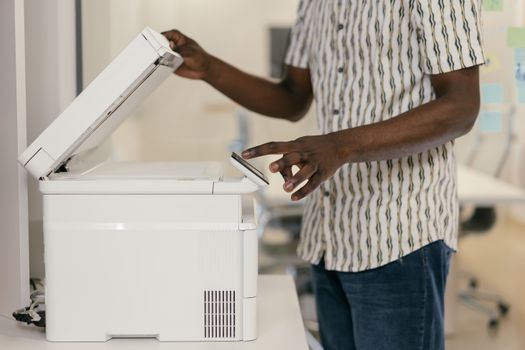
When you scan a paper document, you initially get an image — a picture of text, not text a computer can read or search. OCR software analyzes that image, recognizes the shapes of letters and words, and converts them into actual searchable, editable text layered behind the image.
Why This Matters for Everyday Work
Without OCR, a folder of scanned documents is essentially a digital filing cabinet you still have to browse manually. With OCR, you can search across thousands of pages instantly for a name, a date, or a phrase, turning a scanning project from digital storage into a genuinely useful searchable archive.
Accuracy Depends on Document Quality
OCR accuracy is highly dependent on scan quality, font clarity, and document condition. Clean, typed documents scanned at good resolution produce excellent results; faded, handwritten, or poor-quality originals produce more errors and may need manual review.
Beyond Simple Text Search
Modern OCR can do more than make documents searchable — it can extract structured data from forms and invoices, automatically categorize documents based on content, and integrate with document management systems to auto-file scanned material into the right folders.
A Real-World Example
An accounting firm in Chicago was manually re-typing data from scanned client tax documents into their software, a slow and error-prone process during their busiest season. Implementing OCR with data extraction capability let the software pull relevant figures directly from scanned forms, cutting data entry time dramatically during their most time-pressured months.
Frequently Asked Questions
Can OCR read handwriting? Modern OCR has improved significantly with handwriting, but accuracy is still generally lower than with typed text — expect some manual review for handwritten material.
Does OCR work with any language? Most business OCR software supports a wide range of languages, though accuracy can vary by language and font.
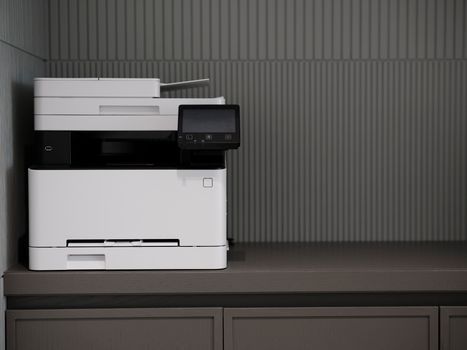
Is OCR built into modern scanners and copiers? Many business-grade devices include OCR capability, either built-in or as an add-on software package.
Make Your Documents Actually Searchable
OCR turns a pile of scans into a real digital resource. Contact Authentic Business Systems to talk through OCR options for your document workflow.