Going Paperless: How Document Scanning Improves Efficiency
Going Paperless: How Document Scanning Improves Efficiency
"Going paperless" sounds like a slogan, but for businesses that actually commit to it, the efficiency gains are concrete and measurable. Document scanning is the foundation that makes the whole transition possible, turning filing cabinets full of static paper into a searchable, shareable digital resource.
The Real Problem With Paper
Paper files can only be in one place at a time, are vulnerable to fire, water, and simple misplacement, and require physical space to store. Finding a specific document in a large filing system can take a staff member ten or fifteen minutes — time that a digital search resolves in seconds.
What Digitization Actually Enables
Once documents are scanned and organized digitally, multiple employees can access the same file simultaneously, documents can be shared instantly with clients or partners, and backup and disaster recovery become dramatically simpler than protecting a physical archive.
Where to Start
Most businesses don't need to digitize everything overnight. Start with active, frequently referenced files — current client records, active contracts, recent HR documents — before tackling older archives. This delivers immediate efficiency gains while spreading out the digitization workload.
Building a Sustainable Workflow
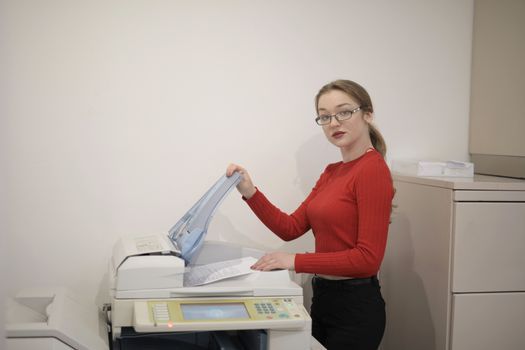
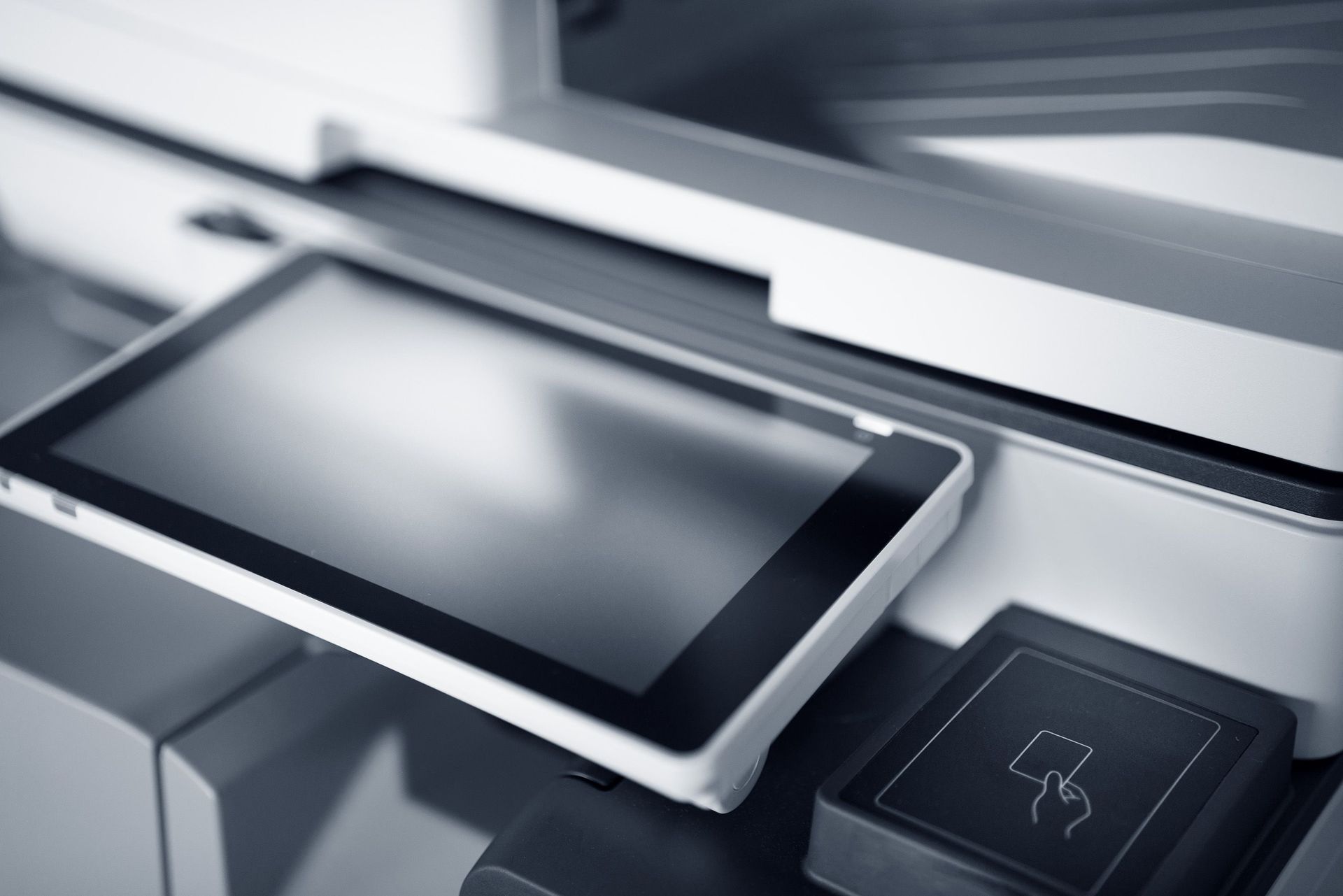
Going paperless isn't just a one-time scanning project — it requires a workflow for new documents going forward. This usually means scan-to-cloud capability at the point of intake, consistent file naming conventions, and clear folder structures that make sense to everyone on the team.
A Real-World Example
A property management company managing leases across several Chicagoland locations was storing physical lease files at each property, making it nearly impossible to quickly reference terms during tenant disputes. Digitizing their active leases into a centralized, searchable system meant any team member could pull up lease terms in seconds regardless of which property they were working from.
Frequently Asked Questions
How long does a digitization project typically take? It depends on volume, but a dedicated high-speed scanner can process thousands of pages per day, meaning most active archives can be digitized within days to weeks.
What do we do with the paper after scanning? Many businesses retain originals in secure storage for a defined retention period before responsible destruction, depending on industry requirements.
Is going paperless realistic for a business with strict compliance needs? Yes — many regulated industries successfully go paperless with proper document management systems that meet compliance and audit requirements.
Ready to Start Your Paperless Journey?
Whether you're digitizing a single filing cabinet or an entire archive, Authentic Business Systems can help you build a plan that fits your business. Contact us today.