Choosing the Best Scanner for Your Business
Choosing the Best Scanner for Your Business
Scanning gets overlooked when businesses shop for office equipment, but a poorly chosen scanner can quietly cost hours of staff time every week. Whether you're digitizing years of paper archives or simply need to scan the occasional signed contract, matching the right scanner to the job matters.
Flatbed vs. Sheet-Fed Scanners
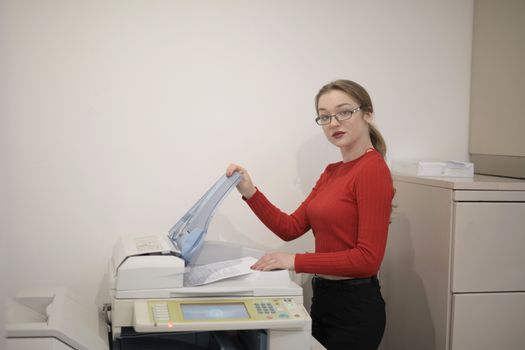
Flatbed scanners handle single pages, delicate documents, and books well but are slow for volume. Sheet-fed scanners with automatic document feeders can process stacks of pages quickly, making them the better choice for offices scanning regularly rather than occasionally.
Consider Your Document Types
Standard letter-size paper is easy, but does your office also need to scan receipts, business cards, ID cards, or oversized documents? Some scanners handle mixed document sizes and types automatically; others require manual adjustment for anything outside standard paper.
Speed and Duplex Capability
If you're digitizing a backlog of paper files, a scanner with a fast automatic feeder and duplex (two-sided) scanning in a single pass saves enormous time compared to manually flipping each page.

OCR and Searchable Output
A scanner is only half the value without good optical character recognition (OCR) software that turns scanned images into searchable, editable text. This is what actually makes a digital archive useful rather than just a folder of image files nobody can search.
Standalone Scanner vs. Multifunction Copier
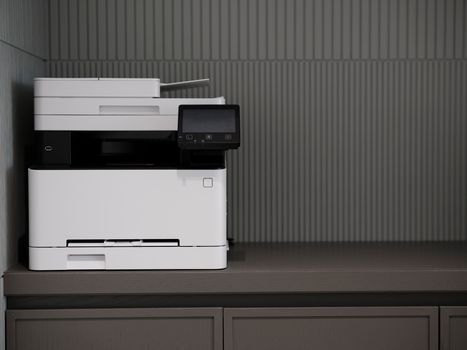
For most businesses already running a multifunction copier, the built-in scanner is sufficient for everyday needs. A dedicated standalone scanner makes more sense for high-volume digitization projects or specialized documents like large-format drawings or fragile historical records.
A Real-World Example
A Joliet law firm needed to digitize a decade of paper case files sitting in storage. Rather than tying up their office multifunction copier for weeks, we recommended a dedicated high-speed sheet-fed scanner with OCR, letting them complete the entire digitization project in days while their regular office printing continued uninterrupted.
Frequently Asked Questions
Do I need a separate scanner if I already have a multifunction copier? For everyday scanning, likely not — but large digitization projects often benefit from dedicated equipment.
What resolution do I need for scanning? 300 DPI is standard for most text documents; higher resolution is worth it for photos or documents requiring fine detail.
Can scanned documents be automatically organized? Yes, many scanning solutions include software that automatically names, tags, and files documents based on content.
Let's Find the Right Scanning Solution
Whether it's everyday document scanning or a major digitization project, Authentic Business Systems can help you choose the right equipment. Reach out for a free consultation.