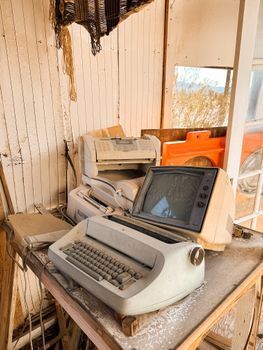
Common Copier Problems and How to Prevent Them
Common Copier Problems and How to Prevent Them
A copier breakdown always seems to happen at the worst possible moment — right before a client meeting, in the middle of a deadline crunch, on the one day you actually need it most. The good news is that most common copier problems are preventable with a little routine attention. Here's what to watch for.
Paper Jams
The most frequent complaint by far. Jams usually stem from worn feed rollers, humidity affecting paper, overfilled trays, or using paper stock outside the manufacturer's recommended weight range. Keeping paper properly stored, fanning stacks before loading, and not overfilling trays prevents the vast majority of jams.
Streaky or Faded Print Quality
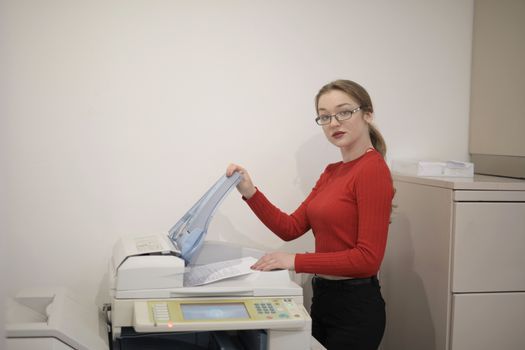
Lines, spots, or fading are usually caused by a dirty scanner glass, worn drum, or low toner. A quick wipe-down of the scanner glass and platen with a soft, dry cloth resolves more of these issues than people expect.
Slow Performance
If your copier has gotten noticeably slower, check for outdated firmware, network congestion, or an overloaded job queue during peak hours. Sometimes the fix is as simple as a firmware update; other times it signals the machine is being asked to do more than it was built for.
Error Codes That Won't Clear
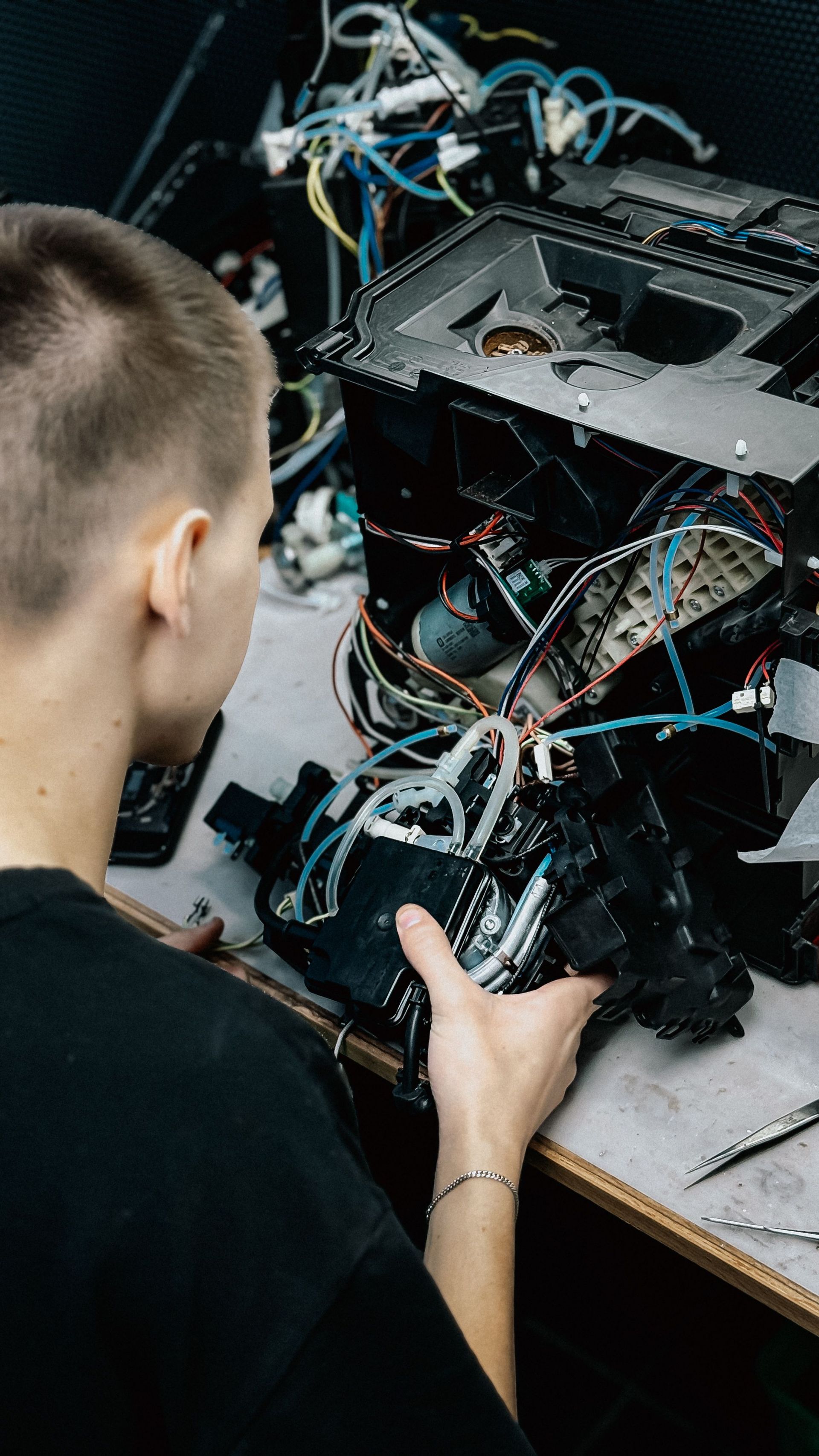
Persistent error codes after a restart usually point to a specific component issue — a sensor, a worn part, or a firmware conflict. Trying to force-clear these repeatedly without addressing the root cause often makes things worse.
Connectivity Issues
Devices that randomly drop off the network are often affected by IP address conflicts, outdated drivers, or Wi-Fi interference in busy office environments. A wired connection or a static IP assignment solves this for most businesses.
The Preventive Maintenance Habit That Fixes Most of This
A regular service plan — where a technician checks rollers, cleans internal components, and updates firmware on a schedule — catches nearly all of the issues above before they become an emergency call. It's the single highest-leverage thing a business can do to keep a copier reliable.
A Real-World Example
An insurance office in Joliet was calling for emergency service almost monthly, always for the same handful of issues: jams, streaking, and one recurring error code. Switching them to a quarterly preventive maintenance visit — instead of waiting for something to break — eliminated all three recurring problems within two service cycles.
Frequently Asked Questions
How often should a copier be professionally serviced? Most business copiers benefit from a maintenance visit every three to six months, depending on volume.
Can I clean the copier myself? Light external cleaning and scanner glass wiping are safe for staff to do; internal components should be left to a trained technician.
Is a service contract worth it for a low-volume office? Even light-use offices benefit from periodic checkups, since small issues left unaddressed tend to compound over time.
Tired of Unexpected Breakdowns?
A proactive service plan can eliminate most of the copier headaches your team deals with. Reach out to Authentic Business Systems to set up a maintenance schedule that keeps your equipment running smoothly.